
Clients and service sites
Keep the relationship alongside the site details. Ask us to walk through cleaning requirements, access notes and the information your team needs before a visit.
Ceni Clean · For cleaning businesses
A dedicated workspace for the people and practical details behind your cleaning business. Bring the working week into view and find the right setup for your team.
Cleaning tools need to be enabled for your organisation. Tell us about your cleaning business when you book.
Start with your clients and the places you clean. Explore the tools for planning visits and keeping your crew informed.
Keep the relationship alongside the site details. Ask us to walk through cleaning requirements, access notes and the information your team needs before a visit.
See the working week by person and day. Explore the rota workspace, including draft shifts and recurring-visit controls, in your Clean walkthrough.
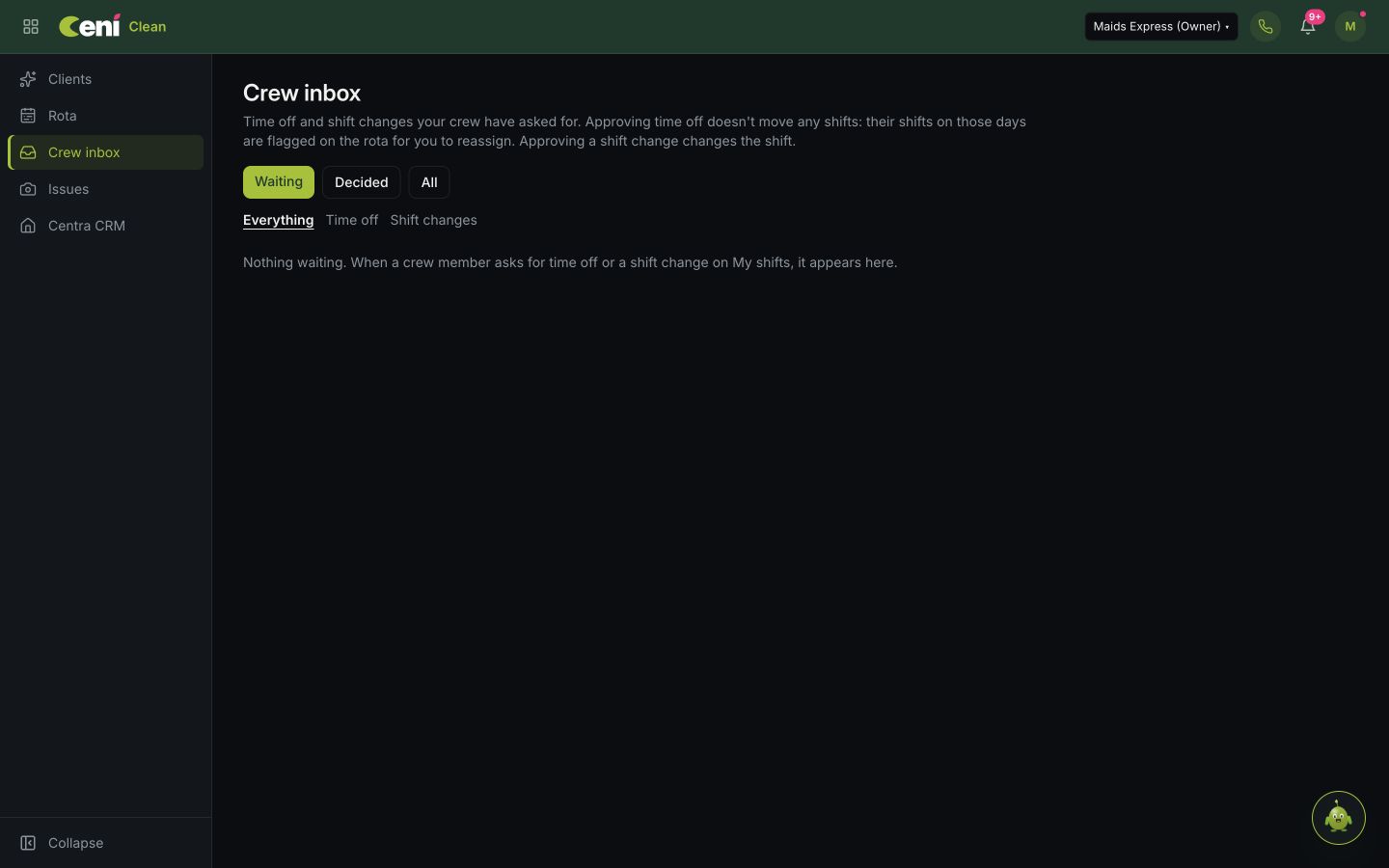
Explore the crew inbox for time off and shift-change requests, where that module is enabled. Keep the decision with the people responsible for the rota.
Your Clean walkthrough
We’ll show you the relevant tools in your demo and confirm the access and setup your organisation needs.
Talk through your cleaning businessReview where the work happens, the cleaning requirements and who needs access.
Walk through planning a visit, assigning people and checking the draft week before publication.
Discuss My shifts, time off and changes, with the features enabled for your team explained clearly.
Clean has its own focused workspace. The wider Ceni platform keeps client relationships, conversations and follow-up close by.
Explore the Ceni CRMClient tools, the crew rota and the crew inbox have their own access requirements. We’ll confirm what is available for your organisation before setup.
Tell us about your clients, your team and how you currently plan work. We’ll focus the demo on the parts that matter to you.
See the cleaning feature guideTell us about your cleaning business and how many people need access. We’ll explain the relevant tools, setup and costs for your team.
Yes. The screenshot on this page is the actual Ceni Clean rota. Book a demo for a walkthrough of the tools and access available to your organisation.
No. Cleaning clients, the crew rota and the crew inbox require the relevant account modules. We’ll confirm availability and the appropriate setup before you decide.
Use Book a cleaning demo, choose a time and tell us that you’re interested in Ceni Clean. We use the existing team booking page.
See where Ceni Clean could fit your clients, crew and everyday work.
Book a cleaning demoTell us you’re interested in the cleaning tools when you book.